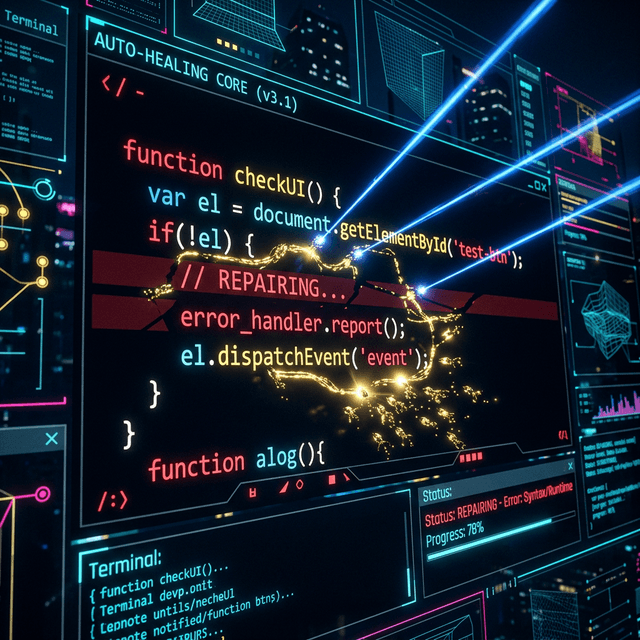
How to Auto-Heal Objects using Playwright (With Practical Examples)
The biggest drain on a QA team's ROI is test maintenance. Developers change a `data-testid`, reorder a div, or update a class name, and suddenly a 500-test suite goes red. Auto-healing solves this. Instead of failing immediately, the framework dynamically searches the DOM for the "most likely" target element based on metadata. Let's look at how to implement this pattern natively in Playwright.
The Limitation of Strict Locators
Playwright's default behavior is strict. If `page.locator('.submit-btn')` does not exist or finds multiple elements, it throws an error. This is great for exact state validation but terrible for resilience against minor UI refactors. Auto-healing requires intercepting this failure before it crashes the test runner.
Strategy 1: Multi-Locator Fallbacks
The simplest heuristic approach to auto-healing is providing a prioritized array of locators. Playwright's `locator.or()` method makes this incredibly clean in modern TS.
// Example: Resilient Multi-Locator
const resilientLocator = page.getByTestId('login-button')
    .or(page.getByRole('button', { name: 'Log In' }))
    .or(page.locator('#auth-submit'));

// Playwright will try these sequentially and use the first one it finds within the timeout.
await resilientLocator.click();
Strategy 2: The Proxy Auto-Healer (AI Integration)
True auto-healing involves AI. When a locator fails, we catch the timeout, grab the current DOM tree, send it to an LLM alongside the *intended action*, and ask the LLM for a new locator.
export async function smartClick(page: Page, primaryLocator: string, targetDesc: string) {
    try {
        // Attempt strict click first (Fastest)
        await page.locator(primaryLocator).click({ timeout: 3000 });
    } catch (e) {
        console.warn(`Healing locator: ${primaryLocator}`);

        // Grab simplified DOM snippet
        const domSnapshot = await page.evaluate(() => document.body.innerHTML);

        // Pass to local LLM or OpenAI API
        const newSelector = await askLLM(
            `Find the CSS selector for a button described as "${targetDesc}".
            Given DOM: ${domSnapshot}`
        );

        // Execute dynamic click and log the healed locator for permanent updating later
        console.log(`Healed! New selector: ${newSelector}`);
        await page.locator(newSelector).click();
    }
}
Strategy 3: Semantic Visual Locators
With Playwright's integration into vision models (like GPT-4o or Claude 3.5 Sonnet), we can forego HTML completely. Instead of parsing a dirty, dynamic DOM (like Salesforce or React apps with randomized class names), we take a screenshot.
You write: "Click the green shopping cart icon in the top right header." The AI visualizes the page layout, computes the bounding box coordinates (X, Y), and uses Playwright's `page.mouse.click(x, y)` to interact. This is completely immune to DOM structural changes!
Summary
Auto-healing isn't magic; it's just gracefully catching locator timeouts and falling back on secondary heuristics, whether that's hardcoded fallback logic (`.or()`) or dynamic semantic retrieval via LLMs. Start small by building wrapper functions around Playwright's standard actions.
Want to Build an Auto-Healer?
Our Advanced Playwright curriculum teaches you how to build custom wrapper classes and integrate AI APIs directly into your testing framework.