Professional Workspace Setup
Automation success starts with a clean environment.
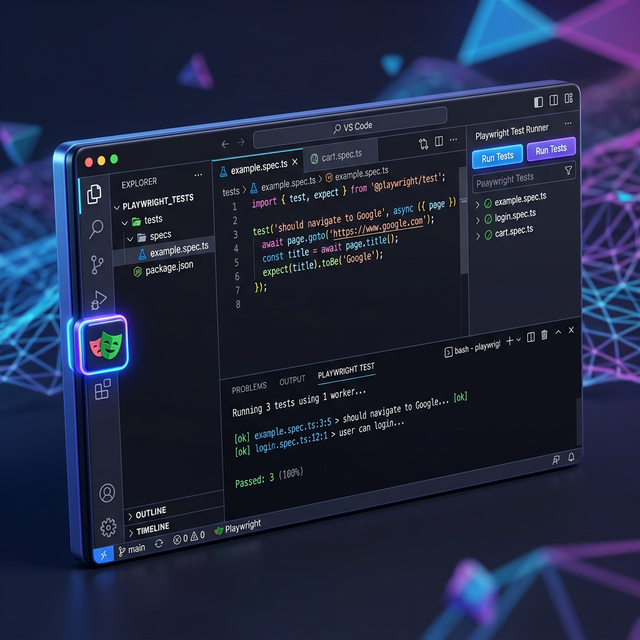
Setup VS Code
1. Install Node.js
Download the LTS version from [nodejs.org](https://nodejs.org).
2. Professional Editor: VS Code
Install from [code.visualstudio.com](https://code.visualstudio.com).
3. Playwright Extension
Search for "Playwright Test for VSCode" in the extensions marketplace and install it. This is your command center.